
Professional and administrative offices
The office relies on email, calendars, shared files, consistent workstations and secure access.
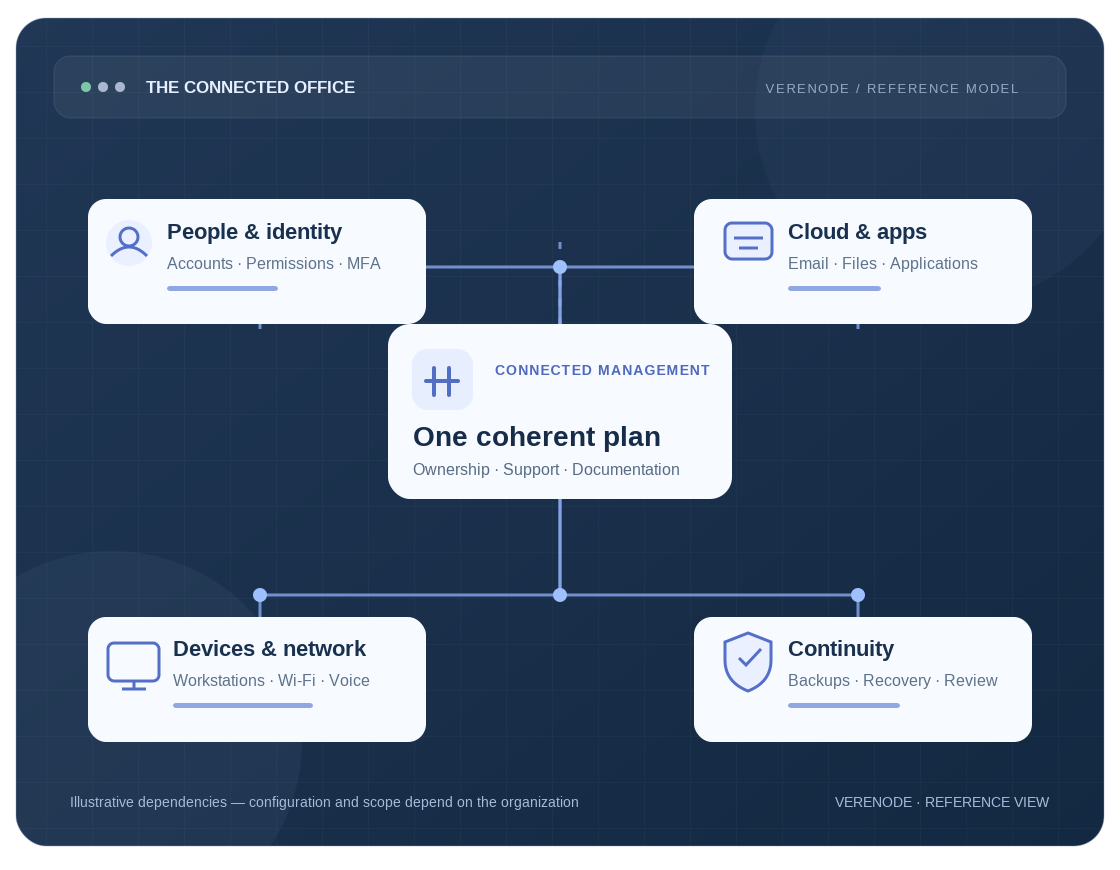
Start with the work, then choose the technology.
We begin with the applications your team actually uses, where important files live, and who currently approves access.
A useful technology plan identifies critical applications, who uses them, where information is stored and what a disruption would mean. Those details should shape support procedures, network boundaries, access controls and project timing.
Reliable video calls and conference rooms
Microsoft 365 accounts, mailbox permissions and onboarding
Managed workstations, printers and dependable office Wi-Fi
Backup ownership, MFA and practical documentation
Relevant service areas.
These are possible starting points, not an assumption that every business needs all of them. The right scope depends on your existing environment and requirements.
Cloud, Email & Identity
Make email, collaboration, shared files, and employee accounts work together with the right protections and ownership.
Service detailsManaged IT & Support
Keep computers, accounts, applications, and employee technology organized with practical support and a clear plan for what comes next.
Service detailsNetworks & Infrastructure
Design, deploy, stabilize, and document the infrastructure connecting your people, equipment, and everyday applications.
Service detailsWhat to clarify in a discovery meeting.
People and workflows. Who relies on the systems each day? Which tasks cannot reasonably stop? Are staff working only in one location, remotely or across several sites?
Ownership and access. Which accounts, devices, cloud services and vendors are business-controlled? Can an authorized person recover them when the usual administrator is unavailable?
Reliability and recovery. What happens during an internet failure, device loss, vendor outage or accidental deletion? Which recovery expectations are truly required?
Priorities and budget. What needs attention first, and which changes should be staged? A clear plan separates urgent remediation from maintenance and longer-term projects.
Tell us what you are
trying to improve.
Start with the situation, not a solution. We can discuss the systems involved, what matters to your team and the right next step.